|
Getting your Trinity Audio player ready...
|
After bringing Chad, Claude and Perplexity on board on the AI side, I needed to discover the actual “building” world. Which no-code tool should I use?
I thought my path was already set in that direction… until FlutterFlow completely changed my plans. Here’s why I ultimately didn’t fall for traditional no-code.
No‑code : a lighter version of development
No-code is like talking to an app that turns what you say into screens and logic: you describe, you configure, and the platform generates code for you. Basically, you prompt, it builds. For me, it’s perfect to get started quickly, test an idea or have a prototype.
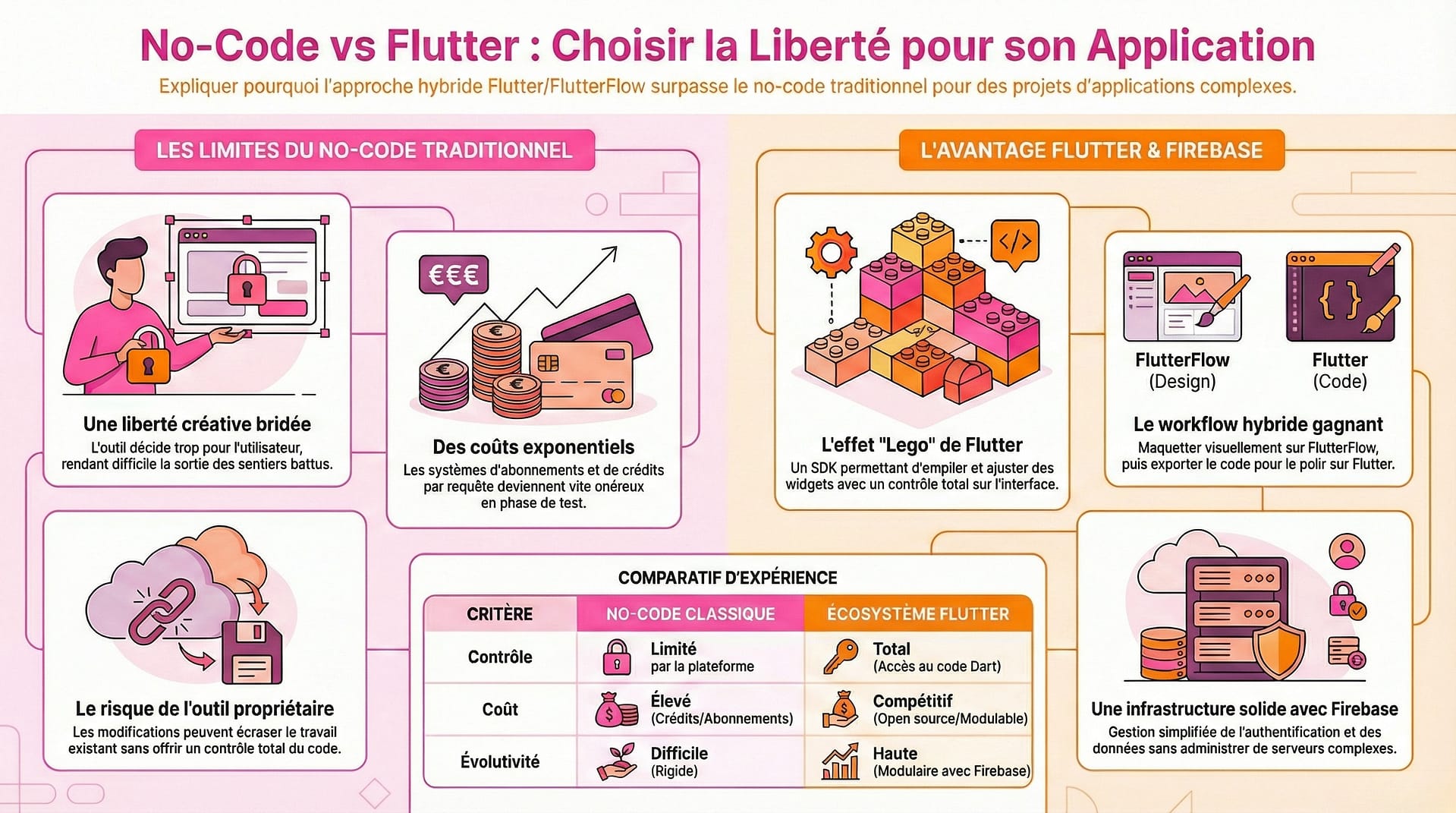
My little “vibe coding” experiment also ended up being short-lived. You might think I give up too quickly, after my micro-attempt at École 42. But no — it’s just that I know how I like to work. If I dropped it fast, it’s because I didn’t really feel in control. The tool makes way too many decisions for you; as soon as you try to step off the rails, the platform’s limits show up.
For example, many of my changes would sometimes override things that were working fine: I’d lose time and still not get exactly what I wanted. Then, right from the start, everything is paid: every request eats up a lot of credits. The more you try and tweak and try again, the more expensive it gets. Some subscriptions also push you to move beyond the basic, cheaper plan to a pricey pro plan just so you can finally download your own code.
I very quickly felt frustrated and boxed in creatively. For me, no-code is really useful to validate a hunch — less so to build a slightly complex product you want to finely shape and evolve over time. Deep down, I needed that Lego feeling: stacking, adjusting and reusing a block without breaking everything else. Highly guided no-code felt too proprietary and too hungry in the long run for Emosupport.
Why Flutter fit my needs better
I had a “strategy summit” with Chad. I shared all my criticisms and frustrations. He got me very quickly and basically told me: “You’re someone who needs to be at the controls. You need Flutter!” You need a solid, modular foundation.
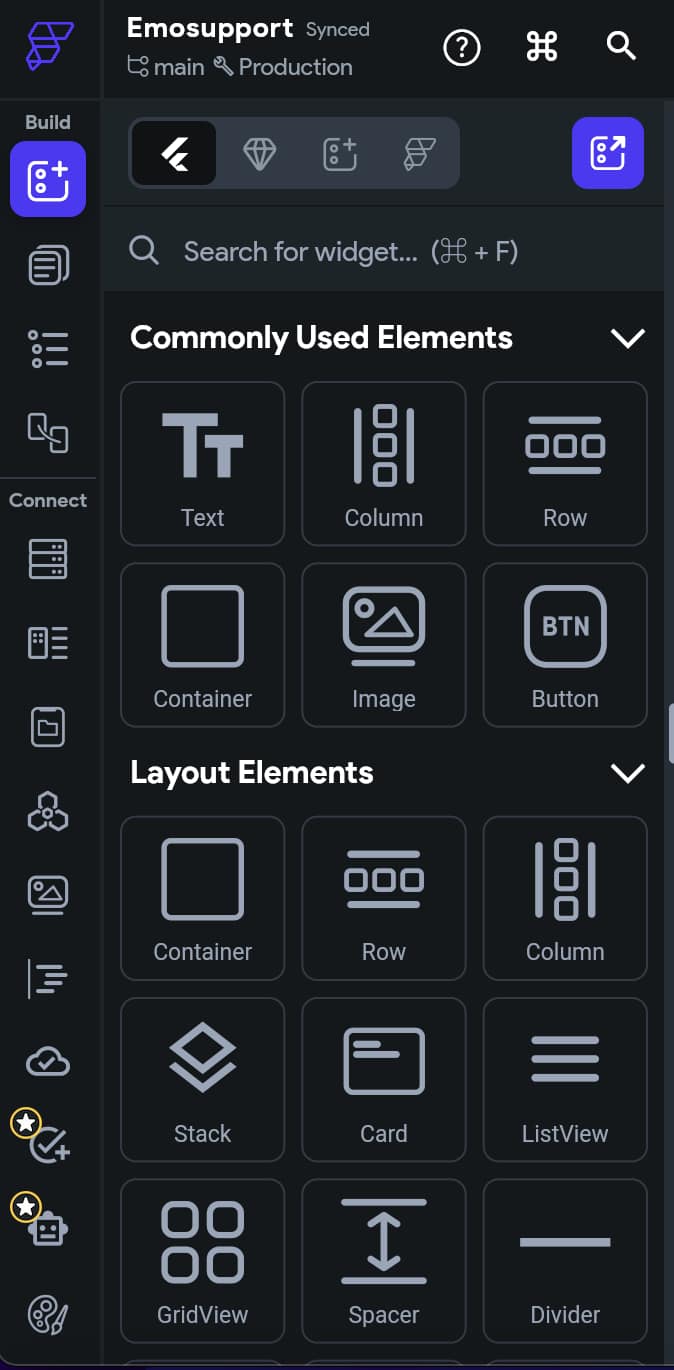
Flutter isn’t no-code, it’s clearly low-code. It’s a SDK (Software Development Kit): a real toolbox with a framework, libraries, and hot reload (you see changes in real time). You write in Dart, a programming language, and everything you build generates real code that’s readable and reusable. You design screens with widgets, you can add custom code to go further and build specific features. It’s not a black box: it’s the Lego effect I was looking for — I see, I compose, and I stay in control of my app.
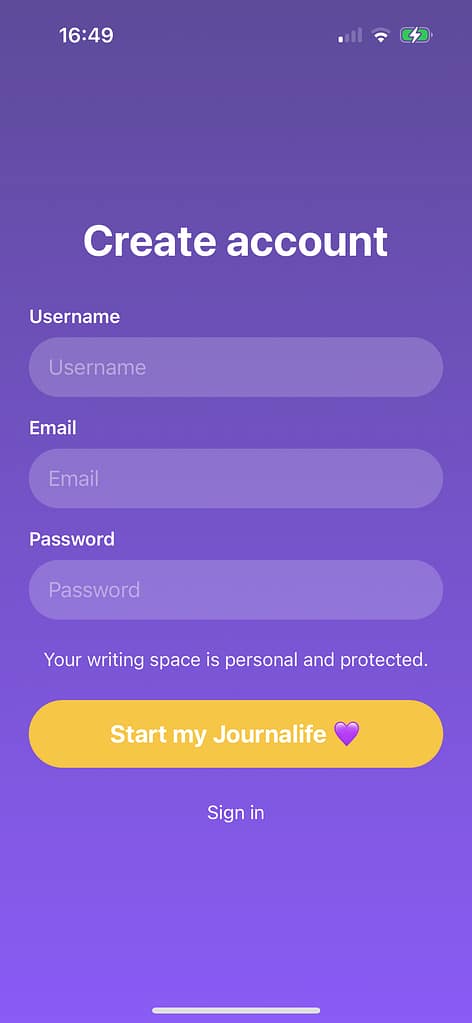
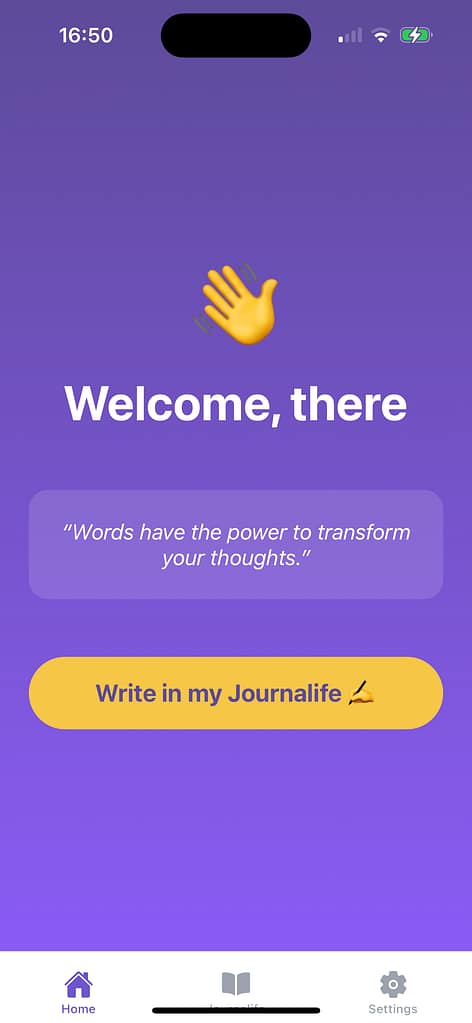
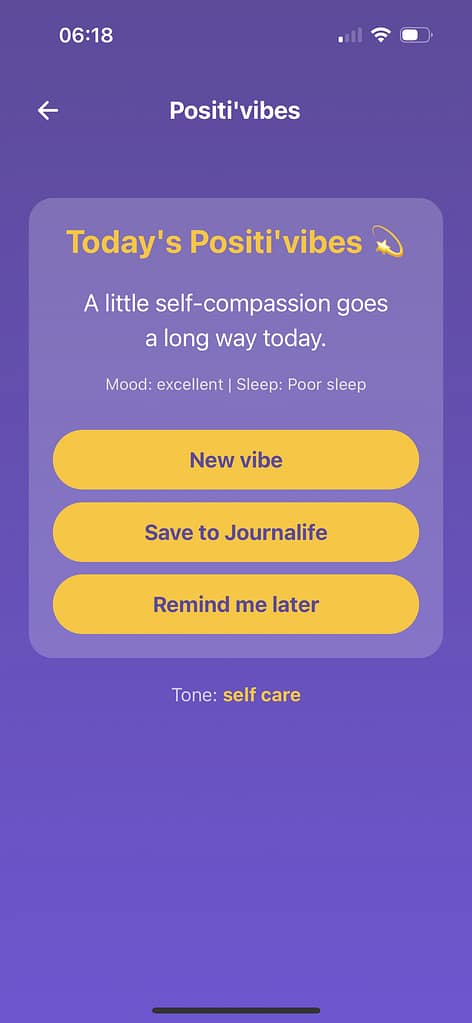
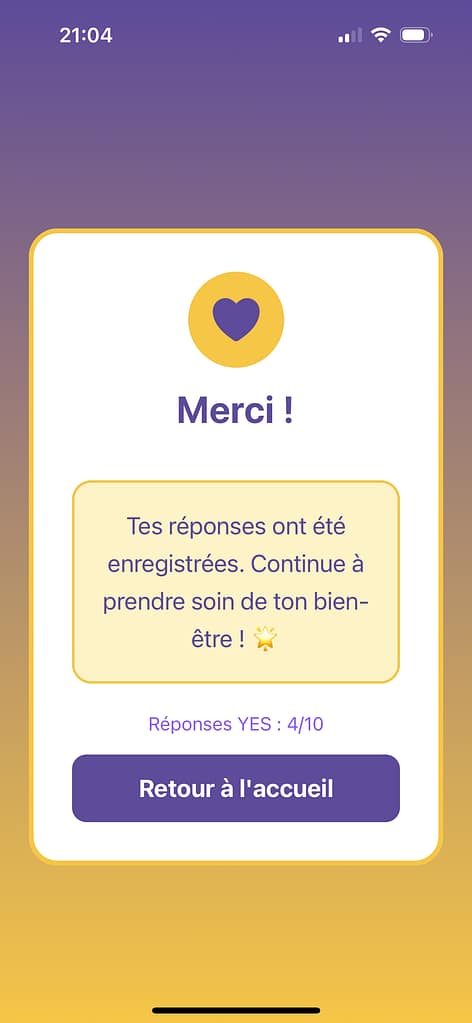
It’s important to show screenshots of the no-code mobile app – see above. With the no-code approach, things moved fast but it was frustrating: every time, my best version got erased by the next attempt.
The concrete advantages of Flutter
You get fine-grained control over the user interface and performance. You have a single iOS/Android codebase and, most importantly, a huge community. I’ve seen it in action: I posted a message on a forum and a developer came back with a solution super quickly, while Claude, Chad and I were really stuck.
The costs are very competitive. You can even start for free, then move to the basic plan to export your code and unlock more features to build your app. Honestly, I felt both free and understood. If you’re looking for pure ease though, this may not be for you. Flutter requires more thinking upfront: the screens take a bit of time to get used to at first, but it comes quickly.
Before diving 100% into Flutter code, FlutterFlow acted as a springboard. I’d start in FlutterFlow to go fast, then switch over to Flutter to keep control. FlutterFlow is the site where you visually build everything, then export clean Flutter code. It’s another interface to learn, with its own data model. Its design is particular and, unlike no-code, I think it really deserves to be refined by a UI designer later on. That makes sense to me and, at least, I see every change in real time and can insert custom code whenever I want.
The useful bridge between FlutterFlow and Firebase
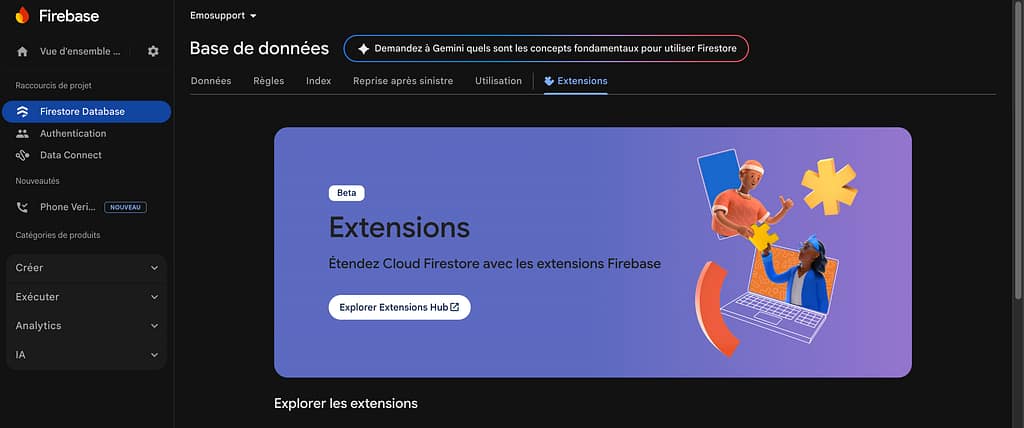
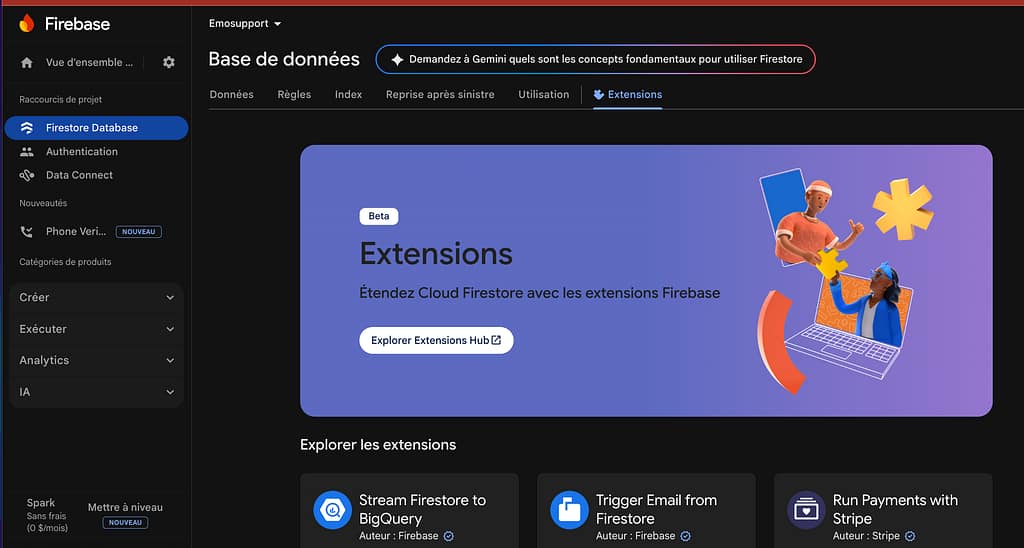
Firebase is a Google cloud platform. It gives me exactly what I need for Emosupport: simple authentication (Google, Apple, email), a database (Firestore), storage and notifications. With Flutter, the integration is well documented: I hook up authentication, store mood, journal or sleep entries, and fetch the history without having to build my own infrastructure.
Getting used to Firebase takes a bit of practice. There are security rules and a collection structure to understand. But the payoff is real: I can focus on the Emosupport experience instead of managing servers. I can start small and grow without breaking everything. And if one day I change tools, my data still belongs to me.
Keeping my hands on the wheel and truly moving forward
At that point, I finally had my full team to build the solid, flexible foundation of my emotional motivation mobile app, Emosupport. I was finally getting into the real, concrete part.
The guided journal and its prompts, along with the mood, sleep and motivation sections, were going to take shape without me having to fight against a platform. I’ll tell you more about that in one of my next articles.
But before diving into screens and features, we’re going back to the basics: emotional motivation. What it is, why it matters more than “discipline” in the traditional sense, and how Emosupport was designed around this idea.